
Buy an Aura when it fixes a real slowdown
Auras give multipliers in +1 Slash Per Click!, but a multiplier is useful only when it improves a route that already works. Build Power, find a wall you can farm, and open the live Aura menu. Buy when the displayed effect should shorten the part of that route that feels slow.
Take a baseline, inspect the Aura, buy one, and retest. The game states that Auras provide multipliers. Names, prices, tier order, currencies, and affected stats can change, so read those from the menu in your server.
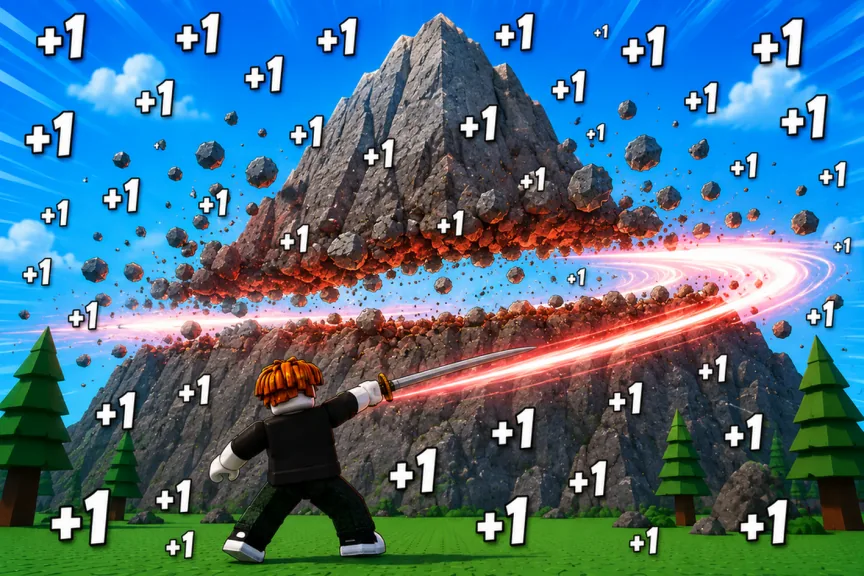
Where Auras fit into the loop
Slashes send out shockwaves and build Power. Power lets you break walls for Wins. A better Slash improves the repeated action, while an Aura multiplies part of the progression system. Pets and Rebirths add other ways to speed things up.
A multiplier works best when it has a useful base value behind it. Buy too early and it only multiplies a weak setup. Wait too long and you can spend far more time on walls than the next Aura would have saved.
Ask yourself:
- What stat does the current Aura card say it affects?
- Which wall or gate is slowing me down?
- Does this Aura change that gate sooner than a Slash, Pet, or Rebirth?
If the first answer is not clear, read the card, purchase prompt, and active effect display again. Do not assign the Aura a stat the game has not shown you.
Read every useful field in the Aura menu
| Field | What to check | Why it matters |
|---|---|---|
| Aura name | Exact label in the current menu | Names and order can move after updates |
| Cost | Amount and currency | A price without its currency is useless for planning |
| Multiplier | Exact effect shown | One Aura does not automatically affect both Power and Wins |
| Requirement | Any Level, World, Rebirth, or other gate | A locked Aura is not your next purchase |
| Equip state | Owned, equipped, or active status | Buying and activating can be separate steps |
| Next tier | Its cost and effect | A nearby larger jump can change your choice |
The game does not give us a permanent formula or stacking rule in its public description. If the menu leaves an interaction unclear, test the same wall before and after equipping the Aura.
Change one thing during the test
Keep your Slash and Pet team equipped, then choose a wall you can repeat without trouble. Note your visible Power gain and rough break time. Buy or equip one Aura and repeat the same run without changing Slashes, Pets, or Rebirth state.
You do not need frame perfect timing. You only need to see whether the Aura changes a displayed number or a useful wall breakpoint. If nothing changes, check that the Aura is active and that you understood the stat on its card.
Aura, Slash, Pet, or Rebirth?
Choose a Slash when every click produces too little progress and the next shop option gives a meaningful base increase.
Choose an Aura when your current Slash and Pets are doing useful work, but a long wall or Rebirth setup still drags. Read the affected stat before applying this rule.
Choose a Pet upgrade when a strong Pet is sitting unequipped or a newly unlocked Pet pool can clearly improve your team.
Choose Rebirth when the run has reached a sensible reset point. If the reset and Aura address the same slowdown, compare the reset cost with the time needed to buy the Aura.
When to save for the next Aura
| Situation | Action |
|---|---|
| The current Aura changes your wall breakpoint now | Buy it and retest |
| The current tier barely changes the displayed multiplier | Read the next tier before spending |
| The next tier is close and clearly stronger | Save while farming your efficient wall |
| Another requirement locks the next tier | Work on that requirement first |
| The effect or currency is unclear | Stop and inspect the live menu |
| A Rebirth is ready now | Compare the reset before buying |
Saving for a later Aura works when you can reach it without wrecking the current run. Staring at a distant price while ignoring a cheap upgrade with quick payback is usually slower.
Aura mistakes that slow the run
- Assuming every Aura multiplies both Power and Wins.
- Copying old names or costs after an update.
- Buying an Aura and forgetting to equip or activate it.
- Changing Pets and Slashes during the same test.
- Using a wall that is too slow for a clean comparison.
- Ignoring how long the multiplier takes to repay its cost.
A routine for Aura upgrades
Farm the wall with the best practical Wins return and keep slashing as you move. Check your next Slash, Aura, Pet, and Rebirth choices. Pick the one that changes the closest breakpoint, make one purchase or reset, and test the same wall again.
Do not change your target until you can see the result. The numbers can move after updates, but this routine keeps the Aura doing its proper job: making a good route faster.
FAQ
What do Auras do in +1 Slash Per Click!?
The game description says Auras provide multipliers. Read the current Aura card for the exact stat and value.
Should I buy an Aura before a better Slash?
Compare both options in the live menus. Buy whichever one changes your nearest wall or progression breakpoint, then test it on its own.
Do Aura multipliers stack with Pets and Rebirths?
Do not assume a formula. Test the same wall before and after equipping one Aura while leaving the other systems unchanged.
What is the best Aura?
That depends on the current tiers, requirements, costs, and your bottleneck. Read the menu instead of relying on a permanent ranking.
What currency buys Auras?
Read the currency on the current purchase prompt. Auras are confirmed multiplier upgrades, but the currency can change with the live build.